

inventory software
Inventory Management System Requirements Template
A practical guide for documenting inventory requirements, warehouse processes, stock movements, purchasing, order fulfillment, and reporting.
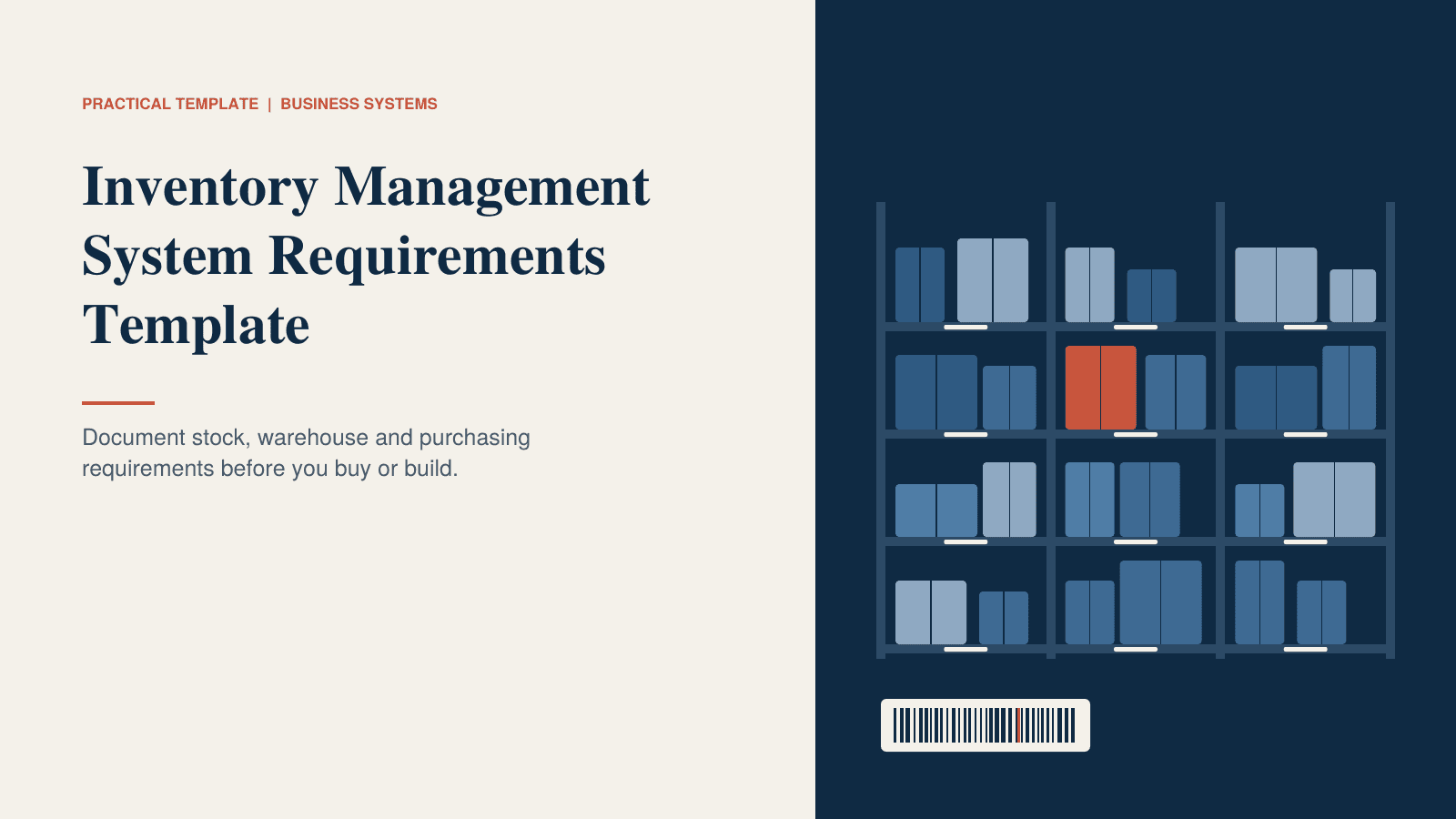
Inventory Management System Requirements Template
Inventory Requirements Template
PDF · 26 KB
Inventory Management System Requirements Template
Most inventory systems get chosen from a feature list. The trouble is that a feature list tells you nothing about how your warehouse works on a Tuesday afternoon: where stock arrives, who moves it, how orders get picked, and what happens when the count turns out to be wrong.
A requirements document fixes that. It forces you to describe how stock really moves through your business before you talk to a vendor or a developer. It also gives everyone a common reference when opinions differ, which they will.
This guide walks through thirteen areas that a good inventory requirements document should cover. Use it whether you're comparing software, extending an ERP, or planning a custom build. There's a printable PDF template with worksheets at the end of this article.
Start with the business context
Give whoever reads your requirements a sense of scale. Write down:
- How many warehouses, stores or storage sites you run
- Roughly how many active SKUs you have
- How many orders you ship per day, and how many purchase orders you receive per week
- Which sales channels you use: wholesale, online, retail or a mix
- How stock is tracked today
Then list your top three stock problems in one sentence each, with numbers if you have them. "Stock is inaccurate" is hard to design for. "About 5% of our picks find no stock in the bin" is something a system can be built to fix. These sentences become the test for everything that follows.
Products and SKUs
Nearly every stock problem starts with item data. If items are described inconsistently, no system will fix that for you.
Your requirements should cover:
- A unique SKU and a clear description for every item
- Units of measure (each, box, pallet, kg) and how they convert
- How variants such as size, colour or grade are handled
- Where supplier codes, customer part numbers and barcodes are stored
- Weight, dimensions and storage needs, such as cold, hazardous or fragile
- Kits or bundles, if you assemble or sell them
- Whether items can be made inactive without losing their history
Also decide which items need batch, lot or serial tracking, and which need an expiry date. Tracking everything is expensive and slows people down. Tracking nothing is a problem if a customer asks where a faulty batch went.
Warehouses and locations
Describe your physical space in the way people actually walk it.
Do you have one site or several? Is stock stored by zone, aisle, rack and bin, or just by area? Most people forget about the non-storage locations: goods in, in transit, quarantine, returns, damaged. Stock spends more time in those places than you'd expect, and if the system has no place for them, it ends up in the wrong bin or a spreadsheet.
Note any special rules too. Some locations might be for picking only, some for bulk storage, some restricted to certain items. If you hold stock for someone else, such as consignment or a third-party logistics arrangement, decide how to keep it separate.
Stock levels
"How much do we have?" has more than one answer, so agree on what each number means.
- On hand: physically in the building.
- Allocated: reserved for an order but not yet picked.
- Available: on hand minus allocated. This is the number sales should trust.
- On order: ordered from suppliers but not yet received.
- In transit: moving between locations.
- On hold: quarantined, damaged or waiting for inspection.
Decide which of these you need. Then cover the practical requirements: real-time updates, views by location, warehouse and total, the ability to reserve stock for specific orders, and minimum, maximum or reorder levels per item and per location. Also settle the costing method (FIFO, average or standard) with your finance team early. It affects reports and is painful to change later.
Stock movements
Every movement of stock should record what moved, from where, to where, how many, who did it, when and why.
The usual movement types are receipts, issues to orders or production, transfers, adjustments, customer returns, returns to suppliers and scrap. For each one, decide whether a reason code is needed and whether someone has to approve it.
One rule is worth writing down explicitly: movement history should never be editable. If something was recorded wrongly, fix it with a new movement. That way you can always trace an item from the day it arrived to the day it shipped, and you can find out how a discrepancy happened.
Purchase orders
Purchasing is where stock levels are actually decided, so the system should help buyers rather than just record what they did.
Look for the ability to create orders by hand, from reorder suggestions, or straight from sales orders. Supplier records should hold lead times, minimum order quantities and price lists. Approval rules should apply by value, category or supplier. Partial deliveries and backorders should stay attached to the original order, and changes or cancellations should be recorded and passed on to the supplier. If you buy from abroad, add multiple currencies and taxes to the list.
A simple approvals table is worth writing out: which order values need whose sign-off. It sounds bureaucratic, but it settles arguments before they happen.
Receiving
Receiving is where wrong stock enters the system. If it isn't right at the dock door, nothing downstream will be.
Your requirements should cover:
- Receiving against a purchase order, ideally by scanning
- Partial receipts, and over- or under-deliveries within tolerances you define
- Holding items for inspection before they become available
- Suggested put-away locations, confirmed by scanning the bin
- Printing labels for items, pallets and bins
- Capturing batch, lot, serial and expiry at the door
- Recording discrepancies and reporting them back to purchasing
- Receiving without a purchase order, with a reason or approval attached
Transfers
Moving stock between bins or sites should never make it disappear from the count.
The important requirement here is an in-transit status. When stock leaves one location and hasn't yet arrived at the next, it should show as in transit, not as missing. Sending and receiving should be separate steps, done by different people, so a shortage is caught at the destination. Partial transfers should be possible, the receiving site should see what's on its way, and costs should follow the stock to its new location.
Order fulfillment
From order to dispatch, this is the part your customers actually feel.
Think through the whole path. Stock should be allocated as soon as an order is confirmed, so the same unit isn't sold twice. Pick lists should be groupable by order, batch, wave or zone, and sorted by walking route. Pickers should confirm what they pick by scanning, so wrong items are caught before packing. Packing should capture weights, cartons and shipping labels. Partial shipments and backorders should be handled and visible to the customer, and carrier rates and tracking should connect to the system.
Don't forget returns. Decide how they're authorised and what happens next: restock, repair or scrap.
If you have very different order types, such as pallet orders for trade customers and single-item parcels for online buyers, list them separately with typical size, pick method and cut-off time. They often need different workflows.
Adjustments and stock counts
Counts are never perfect. A good system makes it easy to find and correct mistakes and hard to hide them.
Decide whether you'll use cycle counts (a few locations each day), full stocktakes, or both. Count schedules can differ by item value or how often it moves. Set a variance limit above which a manager has to approve the adjustment, and define reason codes such as damaged, expired, lost or count correction. It also helps if a location can be frozen during a count so movements don't muddy the results.
Low-stock alerts
An alert that fires too late, or too often, gets ignored. Set them up around how you actually buy.
For each alert, write down what triggers it, who gets it and how. A reorder alert might go to the buyer when available stock falls below the reorder point. An expiry alert might go to the warehouse lead when a batch is within 60 days of its date. Also ask whether alerts use available stock rather than on-hand, whether they account for supplier lead times and open purchase orders, and whether the system suggests an order quantity the buyer can change.
Barcodes and scanning
Scanning is the cheapest way to improve accuracy, so decide where it's needed.
Go through each task: receiving, put-away, picking, packing and counting. For each one, write down what gets scanned (item, bin, pallet, order) and what people will scan with (handheld device, phone, tablet). Confirm the barcode types you use, whether the system prints labels, and whether scanning still works in the corners of your warehouse where wifi is weak.
Reporting
Start with the questions people ask every week, then check the system can answer them without a spreadsheet.
Typical examples:
- What do we have, where, and what is it worth?
- What needs reordering this week?
- Which items haven't moved in 90 days?
- How accurate are our counts?
- Are orders leaving on time?
For each question, note who asks it and how often. Then check that reports can be filtered by warehouse, location, category, supplier and date, that you can change them without asking the vendor, and that they can be scheduled by email and exported.
Integrations
Inventory touches almost every other system. Each connection you skip becomes something a person retypes.
For most businesses the list includes accounting, an online store or other sales channel, point of sale, shipping carriers, supplier portals or EDI, production planning, and label printers. For each, decide what should pass between the two systems and in which direction. Then find out whether the connection is built in, provided by a third party or something you'd have to build, and who fixes it when it breaks.
Turn your answers into a priority list
When you've worked through everything above, sort it into three groups:
- Must have: you can't run the warehouse without it.
- Should have: important, and you'd find a workaround if you had to.
- Could have: nice, but never a reason to choose one option over another.
Keep the Must list short. Send it to two or three vendors, or to your developer, and ask them to respond line by line. When you run demos, use your own scenarios: a real purchase order, a real partial delivery, a real count with a variance. A demo built on sample data will always look fine.
Final checklist
Before you decide, confirm each of these:
- [✓] Our top three stock problems are written down, with numbers.
- [✓] Item data rules (SKUs, units, variants, tracking level) are agreed.
- [✓] Locations and special areas are described, including in-transit and quarantine.
- [✓] We agreed what on hand, allocated and available mean.
- [✓] Receiving, transfers, picking and counting are described step by step, with who does each.
- [✓] Approval rules for purchase orders and adjustments are defined.
- [✓] Alerts, reports and integrations are listed with owners.
- [✓] Vendors or developers demonstrated our real scenarios, not their sample data.
- [✓] A trial data import has been run and the item and stock data has been cleaned.
- [✓] One person owns the rollout and has time to do it.
Download the template: the PDF version has worksheets for locations, stock statuses, movement types, purchase approvals, alerts, scanning tasks, reports and integrations, plus a priority summary you can hand to a vendor.
Need something a standard system can't do?
If your process, location structure or integrations don't fit off-the-shelf tools, a custom inventory system, or an ERP module built around how your warehouse works, can be worth a scoped estimate before you settle for a compromise.
Frequently asked questions
Quick answers to common questions about this topic.
Related resources
More guides, white papers, and templates worth your time.
Custom ERP vs Off-the-Shelf ERP: A Practical Decision Guide
Compare custom ERP development and packaged ERP software across workflows, customization, integrations, implementation, cost, and long-term control.
CRM Requirements Checklist for SMEs
A practical checklist for defining CRM requirements before selecting or building a customer management system.

ERP Evaluation Framework: How to Choose the Right ERP for Your Business
A practical framework for evaluating ERP software across business processes, customization, integrations, implementation, migration, cost, and long-term scalability.