
business management
CRM Requirements Checklist for SMEs
A practical checklist for defining CRM requirements before selecting or building a customer management system.
CRM Requirements Checklist for SMEs
CRM Requirements Checklist
PDF · 25 KB
CRM Requirements Checklist for SMEs
Most CRM projects go wrong before anyone opens a demo. The team never wrote down what the CRM was supposed to do, so they end up choosing the tool that looked best in a sales call and finding the gaps after everyone has been asked to switch.
A requirements list fixes that. It doesn't need to be long or formal. It just needs to answer, in plain words, what your team has to do every day and what the system must support. This checklist walks through twelve areas in the order most businesses need them. Use it whether you're comparing off-the-shelf tools or thinking about building your own.
There's also a printable PDF version with worksheets at the end of this article.
Start with the problem, not the features
Before you list a single feature, write down what's going wrong today. Something like:
- "We lose track of leads that come in by email."
- "Nobody knows which deals will close this quarter."
- "When an account manager is on holiday, nobody can pick up their customers."
Add a few facts about your business: how many people will use the CRM, how many customers or open deals you manage, how long a typical sale takes, and where customer information lives right now.
Keep those three sentences in front of you. If a feature doesn't help with any of them, it belongs on the "nice to have" list.
Lead management
A lead is someone who might become a customer but isn't one yet. Your CRM should make sure none of them slip through and show you which sources are worth the money.
Check that the system can:
- Capture leads from web forms, email, phone calls and events without anyone retyping them.
- Record the source of every lead.
- Flag duplicates before they're created.
- Assign leads by simple rules such as region, product or company size.
- Mark a lead as qualified, unqualified or "come back later".
- Show how quickly someone responded, so slow follow-up is visible.
If your leads mostly come from one or two channels, list them and say who follows up on each. It sounds obvious, but many teams find during this exercise that a whole source has no clear owner.
Contact and company management
This is the core of any CRM. If the basics are messy, everything built on top of them will be too.
You want one company record that holds all its people, deals, notes, files and history. Beyond that, think about how your customers are actually structured:
- Does one contact work with more than one company, such as a consultant or an agency?
- Do you sell to groups with several branches that need parent and child accounts?
- Do you track things a standard CRM doesn't have by default, like a contract renewal date, an account tier or a licence type?
- Can duplicates be merged without losing history?
- Where the law requires it, can you store consent and communication preferences?
Custom fields matter more than most people expect. If you can't record the details you use every day, your team will go back to a side spreadsheet within a month.
Sales pipeline
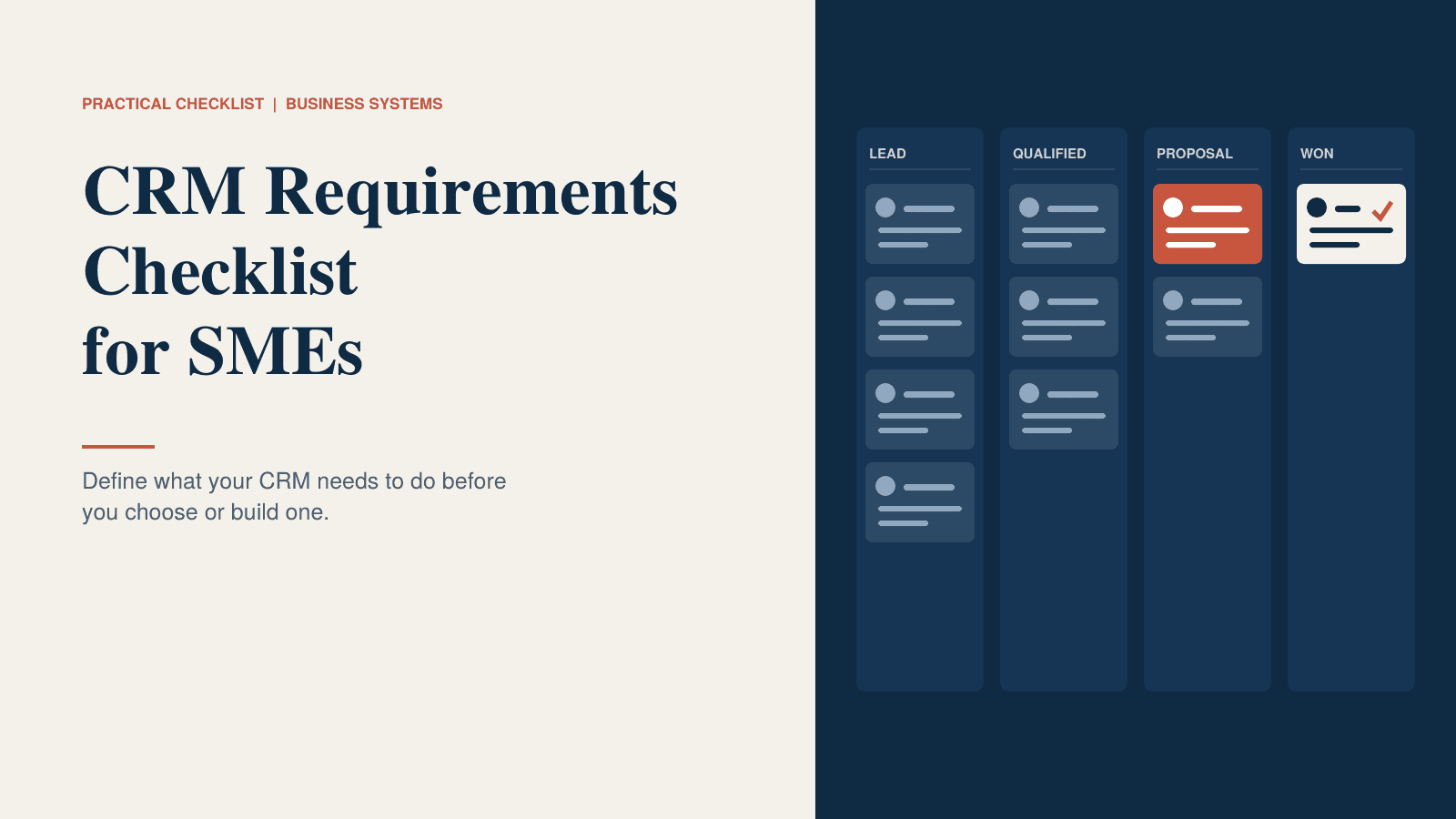
The pipeline is the picture of where every deal stands. It only works if everyone agrees on what each stage means.
Write your stages down, and next to each one write the condition that must be true before a deal can move into it. "Proposal sent" is a fact. "Looking good" is a mood. Aim for five to seven stages. With more than that, people stop updating them.
Then check the practical side:
- Deals appear on a board and in a list, and can be filtered by owner, value and stage.
- You can run more than one pipeline if you sell different things in different ways.
- Each deal carries a value, an expected close date and a probability.
- Lost deals require a reason, so you can learn from them.
Follow-ups, tasks and activities
Most lost deals aren't lost to a competitor. They fade because nobody followed up on time.
A good rule to test any CRM against: every open deal should always have a next step and a date attached to it. If the system lets deals sit with nothing scheduled, that's where they'll go to die.
Look for these:
- Tasks can be created straight from an email, call or meeting note.
- Overdue tasks show on the owner's screen, and to the manager if you want.
- Calls, meetings and emails log as activities with almost no typing.
- Recurring follow-ups, like quarterly check-ins or renewals, can be scheduled once.
- Reminders reach people where they already work: email, phone or calendar.
Communication history
When a customer calls, whoever answers should see what was said last time without asking three colleagues.
That means emails sent and received attach to the right contact and deal automatically, calendar meetings are logged without manual entry, and call notes can be added quickly from a phone. Everyone working on an account should be able to see the full history, within the permissions you set. Notes should be searchable, and personal emails or private contacts should be easy to keep out of the sync.
Test this one with care. Email sync is where CRMs disappoint most often. Ask to see it working with your own email provider and a few real threads, not a demo mailbox that has been set up to look good.
User roles and permissions
Decide who can see and change what before you set anything up. It's much harder to add later.
Make a simple table with your roles, such as sales rep, sales manager, finance, admin and any outside partners or contractors. For each role, write what they can see, what they can edit, and whether they can export or delete data.
A few things worth asking:
- Can reps be limited to their own accounts or their team's?
- Can sensitive fields, like pricing, margins or contract terms, be hidden from certain roles?
- Are exports limited and logged? A departing employee shouldn't be able to walk off with the whole customer list.
Reporting
Start from the questions you ask every week, not from a list of chart types.
Write down five to ten. For example:
- What's in the pipeline this quarter, and how likely is it to close?
- Which lead sources turn into paying customers?
- Which deals haven't moved in 30 days?
- Who's ahead or behind on their targets?
For each question, note who asks it and how often. Then make sure the CRM can answer it without a workaround. Also check whether you can build or change a report yourself, or whether every change means a support ticket. If your leadership team lives in spreadsheets, confirm that data exports cleanly.
Automation
Automate the boring, repeated, rule-based steps. Leave judgement calls to people.
Good candidates are easy to spot. A new web enquiry arrives and gets assigned by region, with a follow-up task created for the next morning. A deal moves to Won, and finance is notified and an onboarding task is created. A task is two days overdue, and the manager gets a nudge.
Write your own list in the format "when this happens, do this". Then ask each vendor whether you can create and edit those rules yourselves, and whether there's a limit on how many automations you can run. Some tools charge extra once you go past a low ceiling.
Integrations
A CRM that doesn't connect to your other tools becomes one more place to type things in.
List everything the CRM needs to work with. For most small and mid-sized businesses that means email and calendar, accounting or invoicing, website forms, phone or WhatsApp, a marketing email tool, a support desk, and sometimes an ERP or order system.
For each one, decide what should pass between the two systems and in which direction. Then find out whether the connection is built in, made by a third party, or something you'd need to build. Ask who fixes it when it breaks. A connector that nobody maintains is a common source of trouble a year after launch.
Data migration
Your existing customer data is an asset. It's also probably messier than you think.
Before you move anything, work out where customer information lives now: spreadsheets, inboxes, an old CRM, accounting software, someone's phone. Then:
- Decide who owns the cleanup of duplicates, outdated contacts and inconsistent company names.
- Decide what to bring over and what to archive.
- Match fields from the old system to fields in the new one.
- Run a trial import and have the people who use the data review it.
- Plan what happens to new entries during the switchover.
Skipping the trial import is the most common mistake. It's much cheaper to find a broken field mapping on a test run than after the whole team has started working in the new system.
Custom requirements
Every business has something that doesn't fit a standard template. It might be an approval step, a pricing rule, a tender process, a licensing model or a report a client expects on the first of the month.
List these separately, along with why each one matters. Then ask every vendor to label each item in writing as one of three things: it can be configured with normal settings, it needs custom work, or it's not possible.
This is the page that separates tools that look right in a demo from tools that are right for your business. If your custom list is long, or if it sits at the heart of how you sell, price a custom CRM or a configurable platform as well as standard options, and compare them over three to five years.
Turn your answers into a priority list
Once you've gone through all twelve areas, sort everything into three groups:
- Must have: you can't work without it.
- Should have: important, and you'd find a workaround if you had to.
- Could have: nice, but never a reason to pick one option over another.
Keep the Must list short. Then send it to two or three vendors as your brief and ask them to respond line by line. Run demos using your own examples: your pipeline stages, your emails, your reports. Score every option against the Must list first, and only then compare price and the Should list.
Final checklist
Before you choose a tool or brief a developer, confirm each of these:
- Our top three problems are written down, and every shortlisted option solves them.
- Lead sources, pipeline stages and what each stage means are agreed across the team.
- Every deal and account shows a next step, a full history and an owner.
- Roles and permissions are defined, including who can export data.
- The reports we need every week are listed and were shown in a demo.
- Automation rules are listed, and we can edit them ourselves.
- Every integration is named, with a method and an owner.
- Our data is clean enough to migrate, and a trial import has been reviewed.
- Custom requirements are labelled configure, custom or not possible, in writing.
- We know the three-year cost, including setup, add-ons, training and our own time.
- The people who'll use it every day have tried it on their own scenarios.
- One person owns the rollout and has time to do it.
Download the checklist: the PDF version has worksheets for lead sources, pipeline stages, roles, reports, automations and integrations, plus a priority summary you can hand straight to a vendor.
Need something a standard CRM can't do?
If your sales process, approvals or integrations don't fit off-the-shelf tools, a custom CRM, with workflow automation built around how your team actually works, can be worth a scoped estimate before you settle for a compromise.
Frequently asked questions
Quick answers to common questions about this topic.
Related resources
More guides, white papers, and templates worth your time.