
ERP system
ERP Evaluation Framework: How to Choose the Right ERP for Your Business
A practical framework for evaluating ERP software across business processes, customization, integrations, implementation, migration, cost, and long-term scalability.
ERP Evaluation Framework: How to Choose the Right ERP for Your Business
ERP Evaluation Framework
PDF · 26 KB
ERP Evaluation Framework: How to Choose the Right ERP for Your Business
Most ERP projects don't fail because the software was bad. They fail because the business picked a system before it understood what it needed the system to do.
The usual pattern goes like this. Someone drafts a feature list, three vendors give polished demos, and the team goes with the one that felt best in the room. Months later, the warehouse finds out that the way they split shipments doesn't work in the new system, and finance discovers that reports they relied on need a paid add-on.
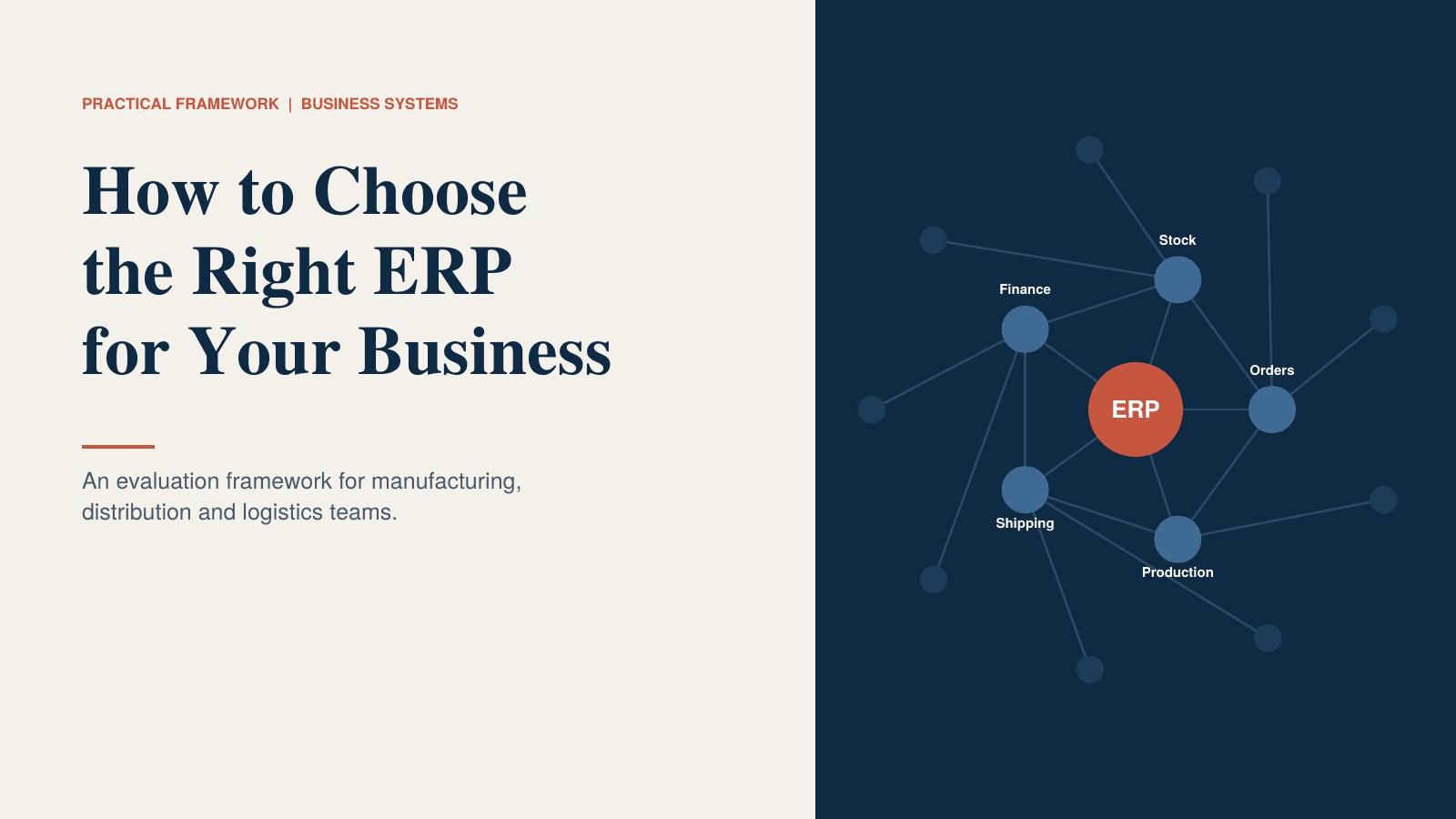
This framework is meant to prevent that. It works for manufacturers, distributors and logistics companies, and it follows the order in which decisions should be made. There's also a printable version with worksheets at the end of this article.
When a business actually needs an ERP
An ERP is a large investment, so it's fair to start by asking whether you need one at all.
Here are the signs that the pain is real:
- The same order, customer or item gets typed in by hand in more than one place.
- Sales, purchasing and the warehouse each have a different idea of what's in stock.
- Month-end close takes more than a week because people are reconciling numbers.
- Nobody can say with confidence whether an order will ship on the promised date.
- You can't calculate real cost per product or per shipment without a lot of manual work.
- Customers or auditors ask for traceability and finding the answer takes hours.
- Adding a new warehouse, site or product line would mean rebuilding your process from scratch.
If two of these sound familiar, you might just need to get more out of the tools you already have. If five or six do, you're likely paying for the lack of an ERP every week, in overtime, errors and slow decisions.
Also check the reason behind the project. "Our current software is old" isn't much of a reason. "We lose about two days a week reconciling stock between two systems" is. Write down your top three problems in one sentence each, with a number if you can. You'll judge every vendor against those sentences later.
Start with process coverage
Before you look at any software, map your own work. Take one order and follow it from the first enquiry to the payment landing in your bank account. Write down every step and every handover: who does it, what they use, and where it goes wrong.
For a typical manufacturing, distribution or logistics business, the list usually includes quoting, sales orders, purchasing, inventory and warehouse handling, production planning, shipping and dispatch, returns, invoicing, payables, and reporting.
For each process, note who owns it, how it works today, how much it hurts (1 to 5), and whether it must be inside the ERP. Watch for the processes that hurt a lot and are unusual for your industry. Those are where standard software is most likely to fall short, so bring them to every demo as test cases.
Write functional requirements that vendors can't dodge
Functional requirements are where an evaluation gets sharp or gets vague. The fix is to write each one as a situation instead of a feature name.
"Multi-warehouse inventory" tells a vendor nothing, and every one of them will say yes. Compare it with: "When a pallet moves between two warehouses, both stock records update at once, and purchasing sees the change the same day." A vendor can either show you that or they can't.
Give every requirement a priority:
- Must: the business can't run without it.
- Should: important, and we could work around it if necessary.
- Could: nice to have, and never a reason to choose one vendor over another.
Keep the Must list under about 25 items. If everything is a Must, you haven't decided anything.
Ask the people who do the work, too. A warehouse lead will tell you about the label that always prints wrong. That detail won't appear in a management-level requirements document, and it's often the one that decides whether people like the new system.
Customization vs configuration
Vendors use these two words loosely, and the difference has a big effect on your bill.
Configuration means changing settings, fields, workflows and rules using tools the vendor provides. It's usually carried through upgrades automatically, and a trained admin on your side can do it.
Customization means changing how the software behaves by writing or altering code. It costs more, it needs a developer, and it can break or need rework at every upgrade.
A sensible order of preference is to configure first, extend second (adding on through official APIs without touching the core), and customize the core only when nothing else works. When a vendor says "we can do that" about a Must item, ask which of the three they mean and get the answer in writing.
There's a legitimate case for custom work. If your competitive edge lives in a specific process, such as how you quote, schedule or route, forcing it into standard software can flatten the very thing that makes you good. In that case, price a custom ERP or a custom module built around a standard core. Compare it honestly with the package option, including who will maintain it in year three.
Integrations
Your ERP won't live alone. List every system it has to talk to: shipping carriers, e-commerce, EDI partners, CRM, payroll, warehouse scanners, BI tools, banking.
For each connection, write down the direction of data (one-way or two-way), how often it needs to sync, the method (native connector, API, file transfer) and who owns it.
Then ask each vendor three questions. Is this connector built in, supplied by a third party, or something we'd have to build? Who fixes it when it breaks? What happens to it when the ERP is upgraded? A connector that "exists" but is maintained by nobody is a common source of trouble a year after go-live.
Data migration
Moving data is the part of an ERP project people underestimate the most, and the work starts long before go-live.
Decide early what actually needs to move. Usually that's open orders, current stock, active customers and suppliers, open invoices and the item master. Years of old transactions can often stay in an archive you can still search.
Then deal with the state of the data itself. Duplicate customers, inconsistent item codes and mixed units of measure will follow you into the new system unless somebody cleans them first. Agree on naming rules before anything is loaded.
Plan for at least two trial migrations, compared against the old system, and have finance confirm that opening balances match. You also want a written cutover plan with a way back if the first day goes badly.
One test worth doing during evaluation: ask each vendor to load a small sample of your real data. How they handle your messy records tells you more than any slide about their migration tools.
What implementation really asks of your team
A good system installed badly is still a bad outcome, so be clear about what your side has to provide.
People. You need a project owner with real authority and one named lead from each department. Those people will spend a meaningful part of their week on this for months, and someone has to cover their normal work.
Timeline. Ask for a plan with milestones, not a single go-live date. For a mid-sized business, a few months to a year is common, depending on scope and data quality.
Training. Find out who trains the end users, in what format, and when. Training in the last week before launch is too late.
Testing. Real users should run real scenarios, including your awkward ones, and you should agree in advance what "passed" means.
Support. Understand what happens after go-live: response times, who you call, and what the first 90 days look like.
Total cost
The licence price is the number in the proposal. It's rarely the number you end up paying.
Compare every finalist over five years, using the same cost lines for each: software licences or subscriptions, implementation, customization, integrations, data migration, hosting, training, support, upgrades, and extra users or sites as you grow. Add one line that most people forget: the time your own staff will spend on the project.
Some costs are easy to miss. Price increases at renewal, fees for extra environments such as test and training, charges for API calls or storage, third-party connectors, and overtime while the team learns the system all show up eventually. Where a vendor can't give you a number, write down the assumption you used so somebody can challenge it later.
How to evaluate vendors
You're choosing a partner for a long stretch, and the product is only half of that.
Questions worth asking:
- Can we talk to two customers of similar size and industry, including one whose rollout was not easy?
- Who will actually work on our project, and how long have they been with you?
- What does your product do poorly, and what kind of customer is a bad fit?
- What happens to our data if we leave, and in what format do we get it?
- What does your support commit to in writing?
Build a weighted scorecard before the demos begin. Score each vendor from 1 to 5 on criteria such as fit with your Must requirements, process coverage, integrations, ease of use, implementation approach, five-year cost, reference feedback, scalability and vendor stability. Setting the weights first stops a good salesperson from quietly rewriting them.
Scalability
The system that fits today's business may not fit the one you'll have in three years. Write down where you expect to be: users, sites, order volume, new product lines, new countries. Then ask each vendor to show, with a real customer example, that they handle that size and that shape of growth.
Useful questions: Can we add a warehouse or legal entity without starting a new project? How does performance hold up at ten times our transaction volume? How does pricing change as we add users, modules and locations? Can we change workflows ourselves, or does every change need the vendor?
Final evaluation checklist
Before you sign, confirm each of these:
- Our top three problems are written down, and the chosen system clearly solves them.
- Every Must requirement was shown to us in a demo using our own scenarios.
- We know which items are configuration, extension or custom work, with prices for each.
- All integrations are listed, each with a named owner and method.
- A trial data migration has been run and finance is comfortable with the result.
- We have a realistic implementation plan, and the people we need have been freed up.
- A five-year cost estimate exists for every finalist, built on the same assumptions.
- We spoke to reference customers, including at least one who had difficulties.
- The contract covers data ownership, exit terms, support levels and renewal limits.
- Someone senior owns the project and will settle disagreements between departments.
One unchecked box is a conversation you should have now, while you still have leverage.
Not finding a system that fits?
Sometimes the honest result of an evaluation is that no package matches your top process problems. In that case, a custom ERP, or a custom module on top of a standard core, can be the cleaner route. It's worth getting a scoped estimate before you settle for a compromise.
Download the framework: the PDF version has the worksheets, cost table, vendor scorecard and full checklist, ready to fill in with your team.
Frequently asked questions
Quick answers to common questions about this topic.
Related resources
More guides, white papers, and templates worth your time.