

ERP system
Custom ERP vs Off-the-Shelf ERP: A Practical Decision Guide
Compare custom ERP development and packaged ERP software across workflows, customization, integrations, implementation, cost, and long-term control.
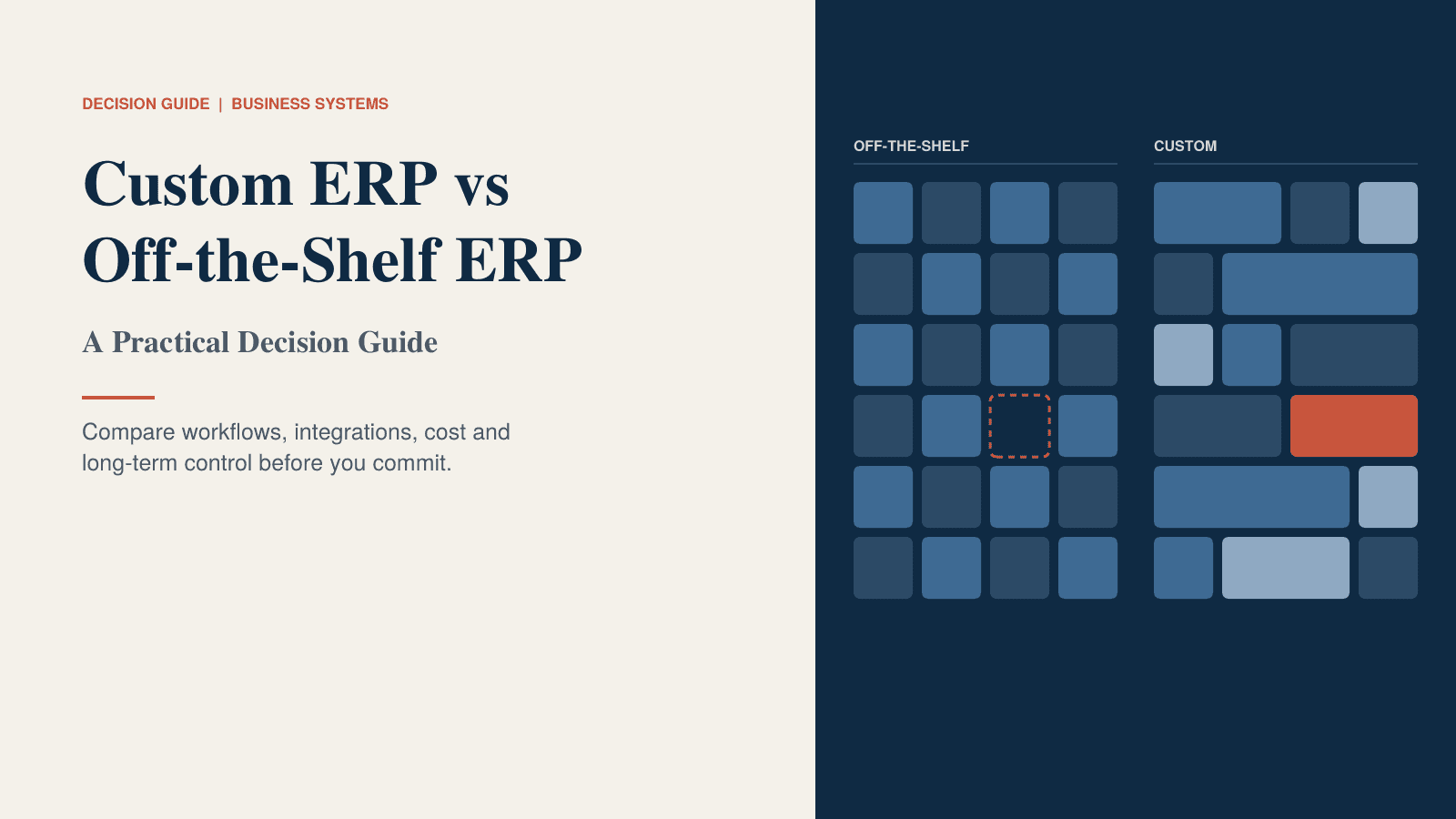
Custom ERP vs Off-the-Shelf ERP: A Practical Decision Guide
ERP Decision Guide
PDF · 25 KB
Custom ERP vs Off-the-Shelf ERP: A Practical Decision Guide
Ask ten people whether a business should buy a packaged ERP or build a custom one, and you'll get strong opinions in both directions. Most of them come from one experience: a rollout that went well, or one that didn't.
The honest answer is that neither is better. One is better for your business, and which one depends on things you can check: how different your processes really are, what your systems need to connect to, who will own the software in five years, and what it costs over that time.
This guide walks through those questions in order. It's written for manufacturing, distribution and logistics businesses, but the reasoning applies more widely. There's also a printable PDF version with worksheets and a decision matrix at the end.
What packaged ERP is good at
It's worth starting with the strengths, because they're real.
Proven core processes. Finance, purchasing, inventory and sales flows in a mature ERP have been tested by thousands of companies. Many of the edge cases you haven't thought of yet have already been found and fixed.
Speed. With a packaged system you configure instead of build, so the first version can go live sooner.
Lower entry cost. A subscription or licence spreads the spend over time instead of asking for a large build budget upfront.
Compliance built in. Tax rules, reporting formats and audit requirements are maintained by the vendor. If your business operates in several countries, that alone can settle the question.
Updates, support and hiring. New features and security patches arrive without a project. Consultants and staff who already know the product are easy to find.
If most of your processes look like everyone else's in your industry, a packaged ERP is usually the sensible default. Building something custom for general ledger, payables or standard purchasing is rarely worth the money.
Where packaged ERP becomes restrictive
The trouble tends to appear after go-live, when the business meets the software's assumptions. Some signs to watch for, either in your current system or in demos you're sitting through:
- A key process has been changed to suit the software, and the team says it's now slower.
- Vendors keep answering "yes, with a customization" to your must-have requirements.
- People rely on spreadsheets or side tools for something the ERP should handle.
- Per-user or per-module pricing grows faster than the business does.
- Every upgrade breaks a customization and turns into a small project.
- You wait for the vendor's roadmap to get something you need.
- Connecting to a customer's or partner's system is slow and expensive.
One or two of these is normal, and often negotiable. Five or more usually means the system will keep costing you in workarounds. The important question is where the gaps sit. Gaps in commodity processes can usually be solved by changing the process. Gaps in the processes that make you competitive are a different problem.
Process uniqueness: the question that decides most cases
If you only spend time on one part of this decision, make it this one.
Split your processes into two groups. Commodity processes, such as general ledger, payables, payroll and basic purchasing, work about the same way in most companies. Buy those. Core processes are the ones that make you good: an unusual production route, a special pricing model, a dispatch method, a customer-specific workflow. Those deserve extra scrutiny.
For each core process, ask what it's worth to your revenue or service quality, and how well a packaged system would handle it: good, workable with a workaround, or poor.
A word of caution. Most people believe more of their processes are unique than really are. "We do it differently" often means "we've always done it this way." Test each claim with a simple question: if we did this the standard way, would a customer notice, or would we lose money? If not, it isn't core.
When customization makes sense
It isn't a choice between two extremes. There's a range in between, and it helps to know where each option sits.
Configure. Change settings, fields and workflows using the vendor's own tools. This handles most gaps in commodity processes.
Extend. Add apps or modules through official APIs while leaving the core untouched. Good for specific gaps at the edges, as long as you check who maintains the add-on.
Customize the core. Change the vendor's own code or logic. This is the riskiest option, because upgrades can break it and the vendor may limit what support they offer. Use it only when nothing else works.
Hybrid. Run a standard ERP for commodity processes and build custom software for the one or two core processes, connected through integrations. This suits many mixed businesses.
Fully custom. A system built around your processes from the start. It fits best when how you operate is your competitive advantage.
A good rule is to go as far down that list as your core processes require and no further. A customization is only worth paying for if it protects revenue, removes real effort or reduces a risk.
Integration requirements
Integrations often decide the outcome more than features do.
List every system and partner the ERP has to work with: customer ordering portals, EDI, shipping carriers, e-commerce, warehouse scanners, banking, CRM, production equipment. For each, write down why it must connect, whether a standard connector exists, and how much effort you expect.
Then ask the awkward questions. Who fixes an integration when it breaks? What happens to it when the ERP is upgraded? Are there API limits or charges per call? A packaged system with a large connector catalogue can be a big advantage. But if your most important connection is to a customer's unusual system, a standard connector may not help, and you'd be building it either way.
Implementation considerations
The two routes ask different things of your team.
With a packaged ERP, the vendor or a partner configures the system to a template. The timeline is often a few months to a year, depending on scope and data quality. Your team makes process decisions, cleans data, tests and trains. The main risk is forcing processes into the software and quietly hiding the gaps.
With a custom ERP, requirements are designed first and then built in stages. A tightly scoped first release can be quick, though a full build takes longer. Your team does the same work as above, plus regular input on design and priorities throughout. The main risks are scope growing without control and depending on one developer.
Either way, the basics matter more than the technology. You need a project owner with real authority, a named lead in each department with time set aside, a data cleanup plan with a trial migration, a phased go-live with a way back, and training that finishes before launch, not during it.
A useful test for both sides: ask them to describe what a bad implementation looks like and how they'd spot it early. Good partners can answer that immediately.
Long-term ownership
You'll live with this system for years, so think about who's in control in year five.
With a packaged ERP, the vendor owns the software and you license it. The vendor's roadmap decides what changes, and you can influence it only through configuration and feedback. Switching later is a large project, though consultants are plentiful and data export is usually possible.
With a custom ERP, you should own the software, if the contract says so. You decide what changes and when, but you pay for it. The risk is dependence on the people who built it. If only one person understands the code, you have a problem waiting to happen.
Whichever route you take, confirm these in writing:
- Who owns the data, the code and any customizations
- That you can export all your data in a usable format at any time
- For custom builds, that the code is delivered to a repository you control, with documentation, and that a second person can maintain it
- Support terms, response times and limits on renewal price increases
- What happens if the vendor or developer stops trading
Cost considerations
The number on the proposal is not the number you'll spend. Compare both options over five years, using the same cost lines for each.
Include software licences or subscriptions, implementation, customization and extensions, custom development, integrations, data migration, hosting, training, support and maintenance, upgrades, and the cost of extra users, sites or modules as you grow. And add the one that most people forget: your own staff's time.
Each route has its own surprises. With packaged ERP, watch for price increases at renewal, per-user growth, fees for extra environments, paid connectors and consultants billing for every change. With custom ERP, watch for scope growth, ongoing maintenance, hosting, and the cost of keeping a team available after launch. Maintenance is often a meaningful percentage of the build cost each year, so ask for that number upfront.
Where a vendor or developer can't give you a figure, write down the assumption you used. It can be challenged later, and that's much better than a surprise.
Questions to ask before deciding
For packaged ERP vendors:
- Which of our must-have requirements are configuration, which are extensions, and which need custom code? Please put it in writing.
- Can we speak to a customer of our size and industry, including one whose rollout was difficult?
- How much do customers typically spend on customization after the first year?
- What does pricing look like at twice our users and three sites?
For custom ERP developers:
- Who owns the code, and do we get it in a repository we control?
- How do you handle changes in scope, and what did your last project overrun look like?
- Who else on your team can maintain our system if the lead developer leaves?
- Can we start with one module and grow, and what will the first release include?
For your own team:
- Which of our processes are truly core, and can we prove it?
- Who will own the system after go-live, and do they have time for it?
- What would make us regret this decision in three years?
Score both options side by side
When you've gathered the answers, put them in a simple matrix. Choose criteria such as fit with core processes, fit with commodity processes, speed to first release, five-year cost, integration needs, control and ownership, and risk and team capacity. Set the weights before you score, so the loudest voice in the room doesn't rewrite them. Then score each option from 1 to 5.
If most of your must-have list is covered by a standard system with light configuration, buy. If your core processes are what set you apart, price a hybrid or custom option next to the packaged one. Either way, write down why you chose what you chose. It will be very useful in year three.
Download the guide: the PDF version includes worksheets for process uniqueness, integrations and five-year cost, plus the questions above and a decision matrix you can fill in with your team.
Not sure which way to lean?
If your list of core processes is longer than you expected, or if integrations are the hard part, a scoped estimate for a custom or hybrid ERP can give you a real number to compare against the packaged option. It's better to decide with that in hand.
Frequently asked questions
Quick answers to common questions about this topic.
Related resources
More guides, white papers, and templates worth your time.
Inventory Management System Requirements Template
A practical guide for documenting inventory requirements, warehouse processes, stock movements, purchasing, order fulfillment, and reporting.
CRM Requirements Checklist for SMEs
A practical checklist for defining CRM requirements before selecting or building a customer management system.
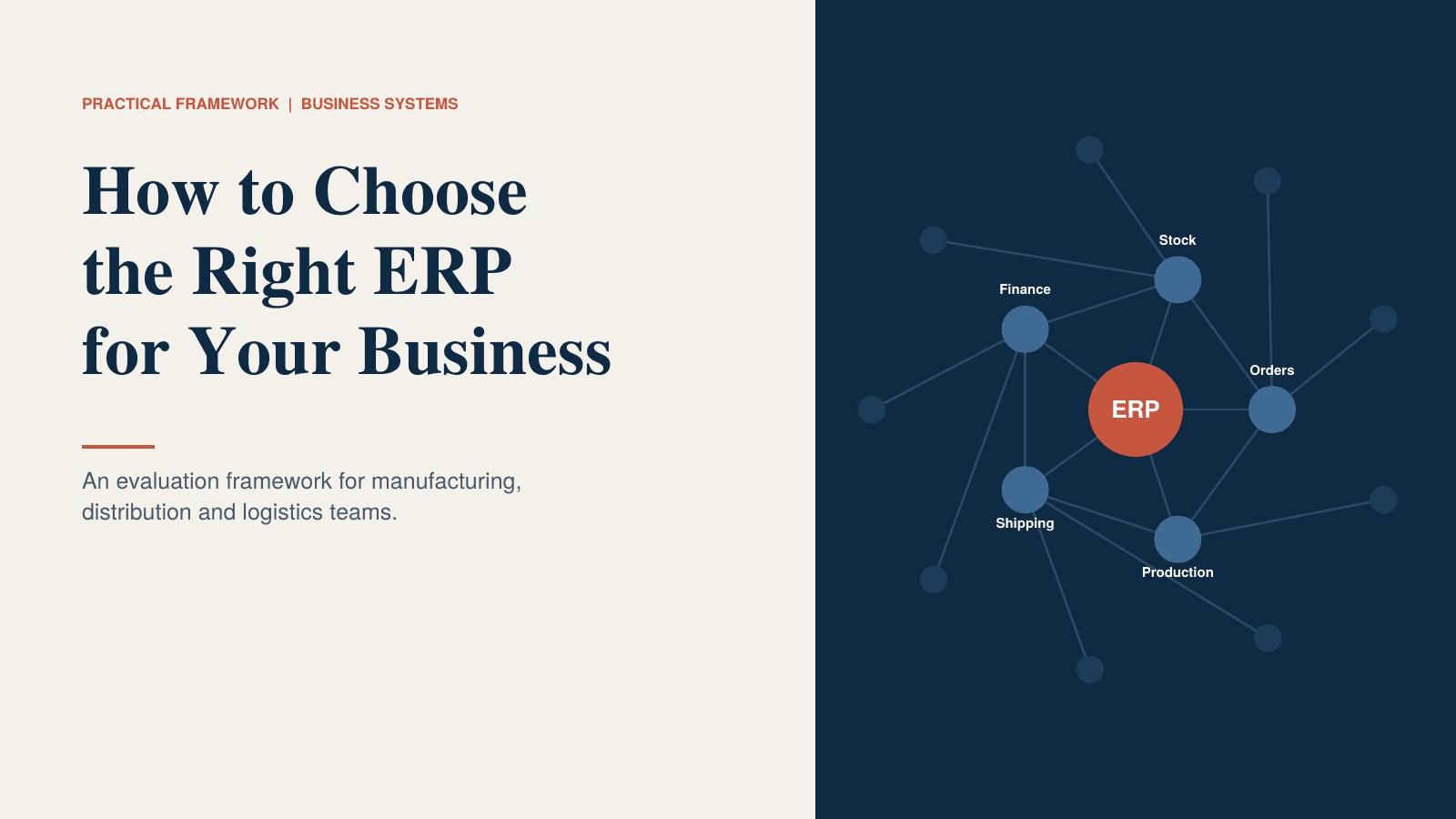
ERP Evaluation Framework: How to Choose the Right ERP for Your Business
A practical framework for evaluating ERP software across business processes, customization, integrations, implementation, migration, cost, and long-term scalability.