

business management
Business Systems Audit Checklist: Find Bottlenecks, Manual Work & Growth Constraints
A practical workbook for identifying operational bottlenecks, repetitive manual work, disconnected tools, and areas where better systems can help your business operate more efficiently.
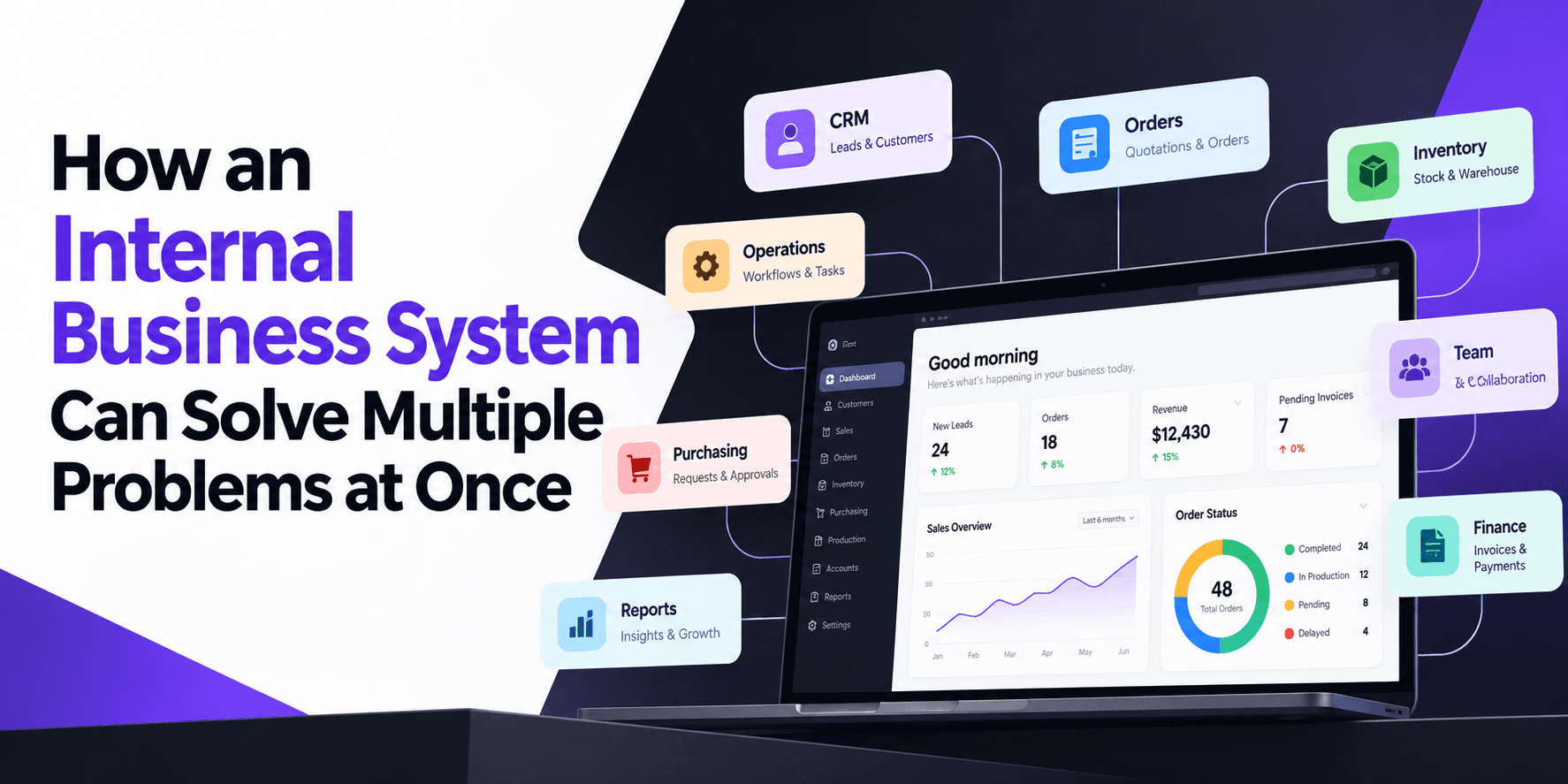
Business Systems Audit Checklist: Find Bottlenecks, Manual Work & Growth Constraints
Business_System_Checlist_Download.pdf
PDF · 80 KB
Business Systems Audit Checklist
Find the operational problems slowing your business down
As a business grows, the problems are not always obvious.
A team may be spending too much time updating information between systems. Sales may be waiting for operations to confirm an order. Managers may need to ask employees for basic status updates. Important tasks may live in spreadsheets, emails, messages or someone's memory.
These problems can quietly consume time and money.
The Business Systems Audit Checklist is a practical workbook designed to help you identify where those problems exist in your business.
What is a business systems audit?
A business systems audit is a simple review of how information and work move through your company.
It looks at the processes behind everyday activities such as:
- Getting and following up with leads
- Preparing quotations
- Managing customers
- Processing orders
- Managing inventory
- Purchasing materials
- Coordinating operations
- Managing deliveries
- Sending invoices
- Tracking payments
- Preparing management reports
The goal is not to find out whether you have enough software.
The goal is to find out whether your current way of working is helping or slowing down the business.
What you will find in the checklist
1. Map where work enters your business
Start by looking at how enquiries, orders, customer information and other work enter your company.
You will identify where information is recorded and where people rely on email, WhatsApp, spreadsheets or manual communication.
2. Find operational bottlenecks
The checklist helps you review common areas such as sales, quotations, orders, inventory, purchasing, operations, delivery and finance.
For each area, you can identify recurring problems and give them a priority.
3. Calculate repetitive manual work
Not all wasted time looks like a major problem.
Five minutes spent checking one system, copying information into another and asking someone for an update may not seem important.
Repeated hundreds of times, it becomes a real operational cost.
The workbook gives you a simple way to identify these repetitive tasks and estimate how much time they consume.
4. Map your current software
List the systems your business already uses and what each one manages.
This can reveal situations where:
- The same information is entered more than once
- Two systems contain different versions of the same information
- A spreadsheet exists because existing software cannot handle a process
- Employees maintain their own records
- Important information is trapped inside messages or emails
5. Decide what actually needs fixing
Not every problem requires custom software.
Sometimes the right answer is simply a better process.
Sometimes an existing tool is enough.
Sometimes two systems need to be connected.
Sometimes a specialised application makes sense.
And in some cases, a custom internal business system is the practical solution.
The checklist helps you think through these options before committing to a new system.
Who is this for?
This resource is particularly useful for:
- Business owners
- Founders
- Operations managers
- General managers
- Teams that have grown beyond basic spreadsheets
- Businesses using several disconnected software tools
- Companies considering custom business software
- Businesses planning a CRM, ERP or internal management system
You do not need to be a large company to use it.
Operational complexity matters more than employee count.
A useful rule before buying software
Fix the process before adding more software.
If nobody is clear about how a process should work, replacing the software will not necessarily solve the problem.
First understand:
What happens today?
Where does information enter?
Who handles it?
Where does it get copied?
Where does it wait?
Where do errors happen?
Who needs the information next?
Once the process is clear, it becomes much easier to decide what should be automated, integrated or rebuilt.
What should you do after the audit?
You may discover that your business does not need a new system at all.
You may simply need to improve an existing process.
You may find that your current CRM or ERP is sufficient but needs to be connected to another tool.
Or you may discover that several important workflows depend on manual workarounds and would benefit from a purpose-built internal system.
The important thing is to make that decision based on the actual problems in the business rather than starting with a list of software features.
Download the free checklist
Use the workbook to map your current processes, identify repetitive work, find operational bottlenecks and decide where better systems could make a difference.
It is designed to be completed in around 20–30 minutes and can be used internally with your team.
Need help turning the audit into a system?
If the audit reveals several connected problems, the next step is to map the workflows and determine what should be handled by process changes, existing software, integrations or custom development.
Xupyter Solutions builds custom business systems, internal tools and workflow automation around how businesses actually operate.
We can help turn the audit into a practical system plan rather than simply adding another piece of software to your stack.
Frequently asked questions
Quick answers to common questions about this topic.
Related resources
More guides, white papers, and templates worth your time.

Website, CRM, ERP or WMS? A Practical Guide for Business Owners
Not sure whether your business needs a website, CRM, ERP or WMS? This practical guide helps you understand what each system does and what to ask before paying for software development.
Custom ERP vs Off-the-Shelf ERP: A Practical Decision Guide
Compare custom ERP development and packaged ERP software across workflows, customization, integrations, implementation, cost, and long-term control.
Inventory Management System Requirements Template
A practical guide for documenting inventory requirements, warehouse processes, stock movements, purchasing, order fulfillment, and reporting.